Resource centre
Learn, build and get help
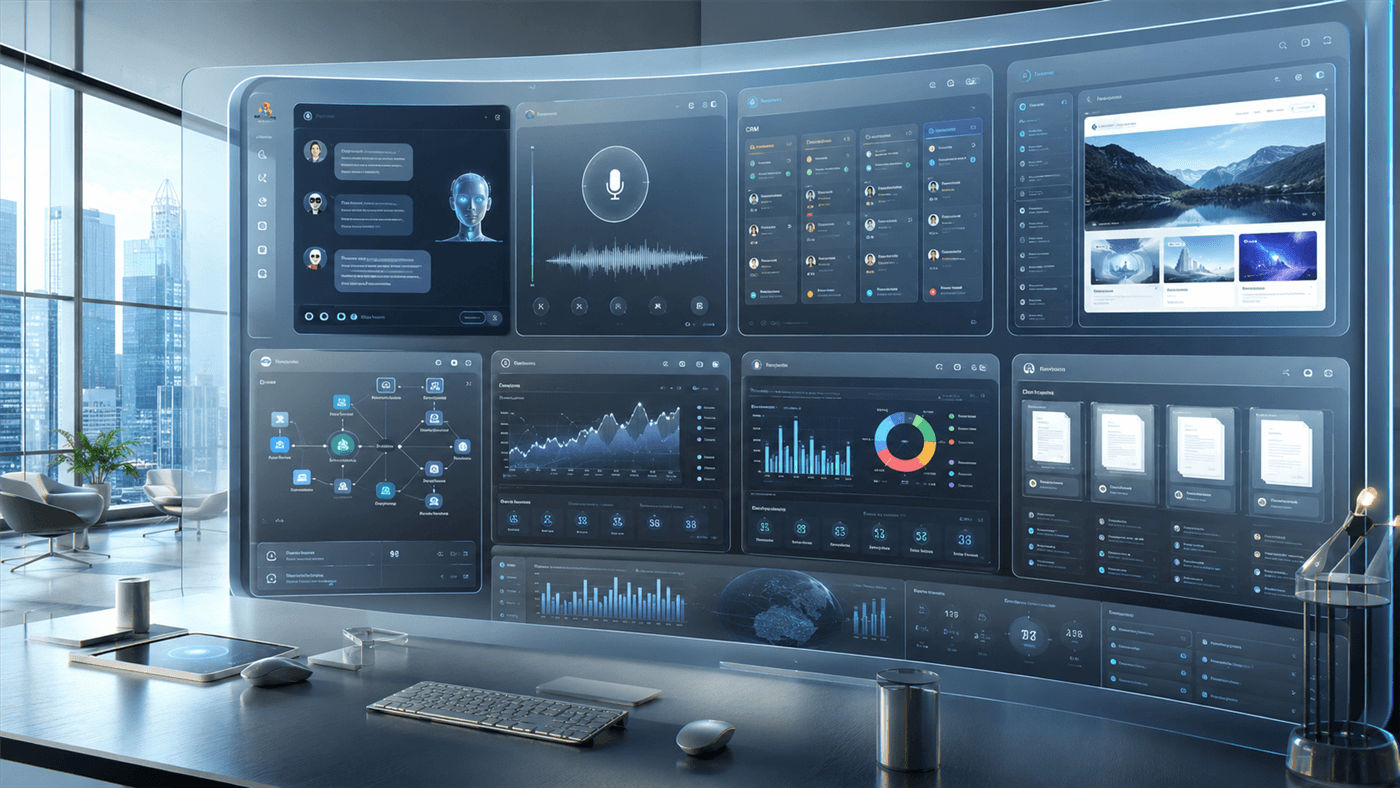
The home for getting started, product guides and support. Full written guides are being prepared alongside the platform — until they land, preview the quickstart below or explore each area of Cazira.ai.
Docs search is coming with the guides
Browse by area
The shape of the learning and support centre. Areas with a page today link straight to it; the rest are honestly marked while their guides are written.
Voice AI
Guides coming soonA natural voice agent to answer and place calls, working from the same knowledge your other modules use. Implementation guidance arrives with early access.
- Voice agents
- Call handling
- Knowledge
CRM & workflows
Guides coming soonKeep your records in order and automate multi-step tasks across your connected tools, triggered by an event or a schedule.
- Records
- Triggers
- Automations
Security & trust
Docs coming soonHow your data is handled and protected. Detailed documentation is being prepared; reach out any time with specific questions.
- Data handling
- Privacy
- Access
Featured guide
Set up Cazira.ai in four steps
When early access opens, this will be the fastest path from sign-up to your first working module — start with one capability, add more when it helps. Here's what each step will look like.
- 01
Create your account and pick where to start
When early access opens, you'll create an account and choose the one capability you need first — an agent, a website widget, Voice AI, or a workflow. No domain or website required.
- 02
Activate your first module
You'll set up that single capability against your own knowledge — just the module that solves your problem, nothing you don't need yet.
- 03
Connect the tools you already use
You'll authorise the software and existing site you already run — Slack, HubSpot, your website — and keep the tools that work.
- 04
Add more when it creates value
You'll switch on further modules as you go, growing towards a wider connected workspace — or generate a new AI-powered website when you actually need one.